Hello there fellow mapmakers! It's time for a Map Design contest.
What is the challenge all about, you say?
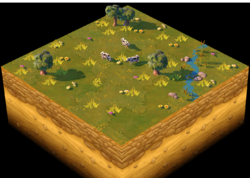
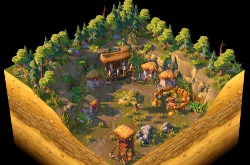
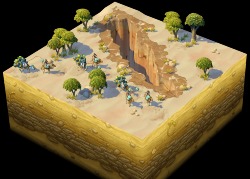
We want to see the community's ability to make nice looking maps in a very small amount of space.
Here's how you participate in this challenge:
1. Download the template .age4scn file attached to this post and put it inside "Documents/Spartan/Scenario"
2. Open the launcher, login and then find the "Scenario Manager" button and click on it.
3. Click on the "Add Scenario Button"
4. Find the new file you downloaded and add it. Then you should be able to see it in your custom scenarios list.
5. Once the game loads, go to "Scenario Editor"
6. When the editor loads up, click on File -> Load Scenario
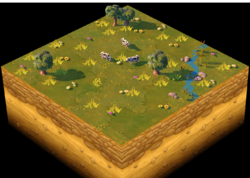
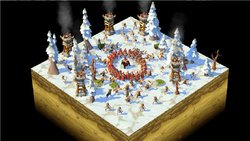
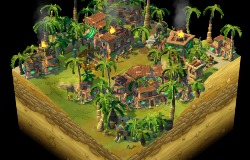
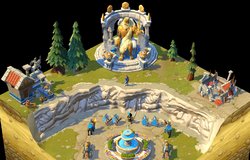
7. Try and make the prettiest map that you can, and then take a screenshot of it and post it in this thread. For example, here's my entry:
Pro tip: Don't forget to hide the minimap when taking a screenshot! (View -> Hide Minimap)
Winners will be selected once the challenge ends on 2019/06/30.
Thanks and we'll see you in the next blog,
Project Celeste Development Team
Last edited: